Project Overview
This project simulated a virtualized internal network with service layers, including a web server, monitoring system, and firewall. The purpose of this project was to show network service stacking, internal IP management, and secure access design using Proxmox.
Environment
| Component | Technology |
|---|---|
| Hypervisor | Proxmox VE |
| VMs | Ubuntu Server (web server, monitoring tools), pfSense (Firewall), Windows 11 VM |
| Services Deployed | Apache Web Server, Uptime Kuma, pfSense (Firewall) |
Phases
Phase 1: Internal Web Server Access Simulation
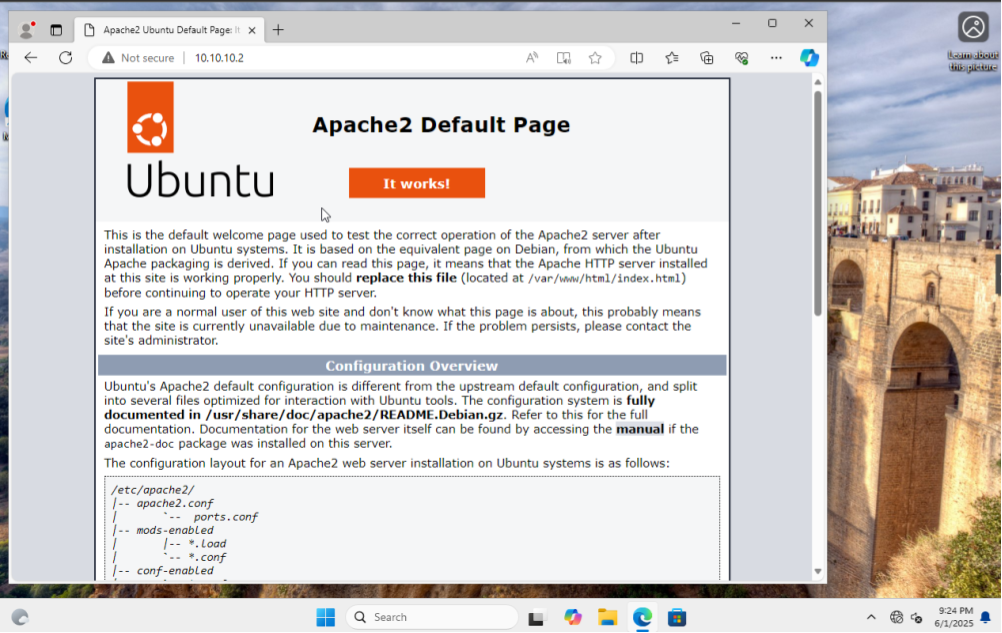
- Ubuntu Server VM: installed Apache2, configured static IP
- Windows Client VM: accessed Apache homepage via internal IP
Phase 2: Monitoring System Deployment
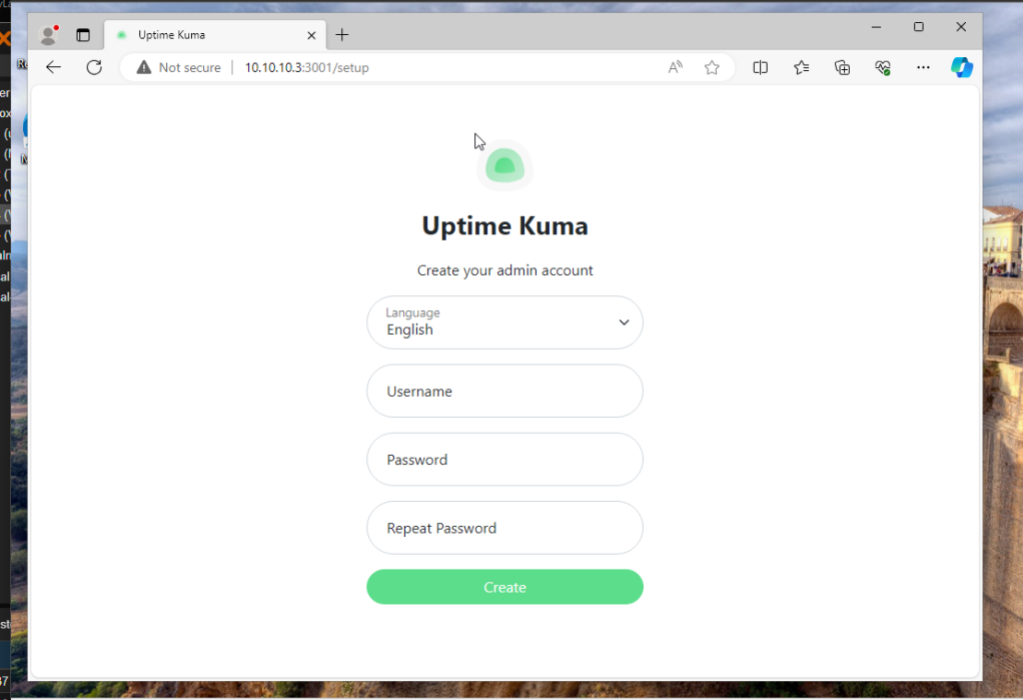
- Ubuntu VM: installed Uptime Kuma via Docker
- Configured static IP and YAML file for docker-compose
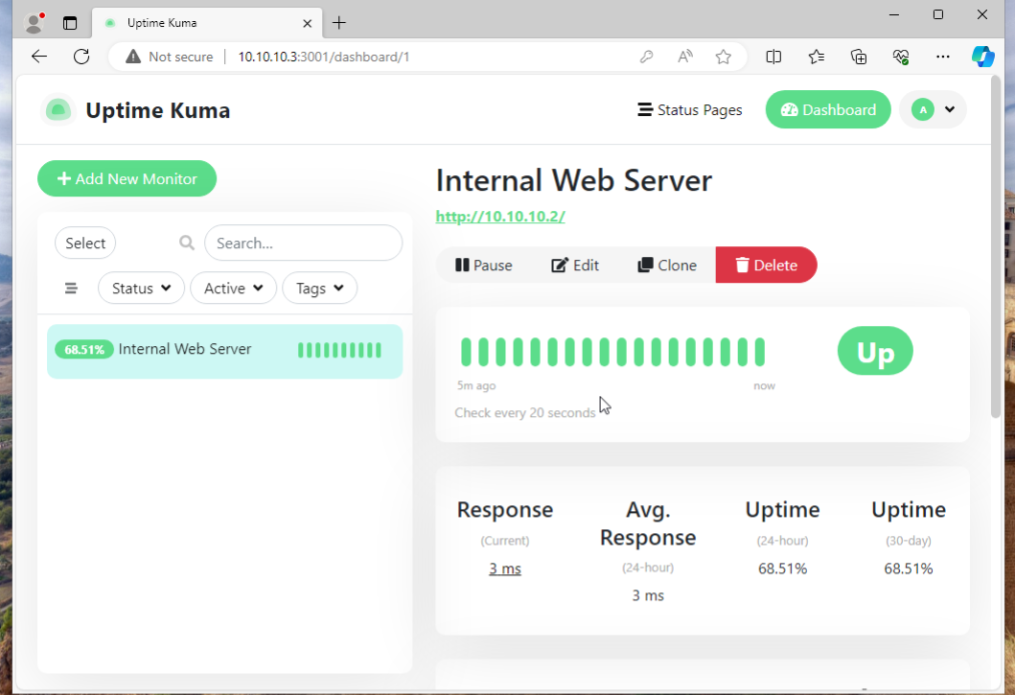
- Created monitor for internal web server
Phase 3: Virtual Firewall Implementation
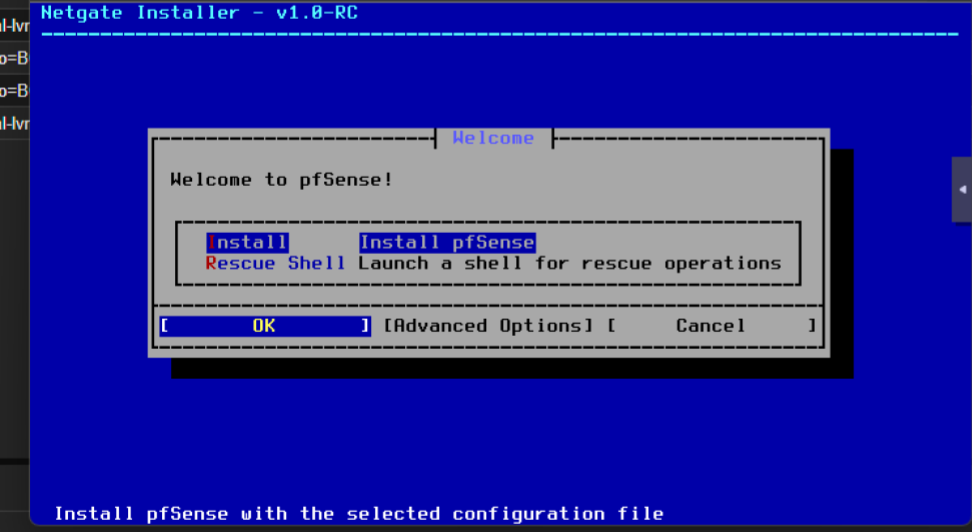
- Installed pfSense on a new VM
- Assigned WAN (external) and LAN (internal) interfaces
- Enabled DHCP on LAN; served IPs to internal VMs
- Created firewall rules to control traffic between client and services
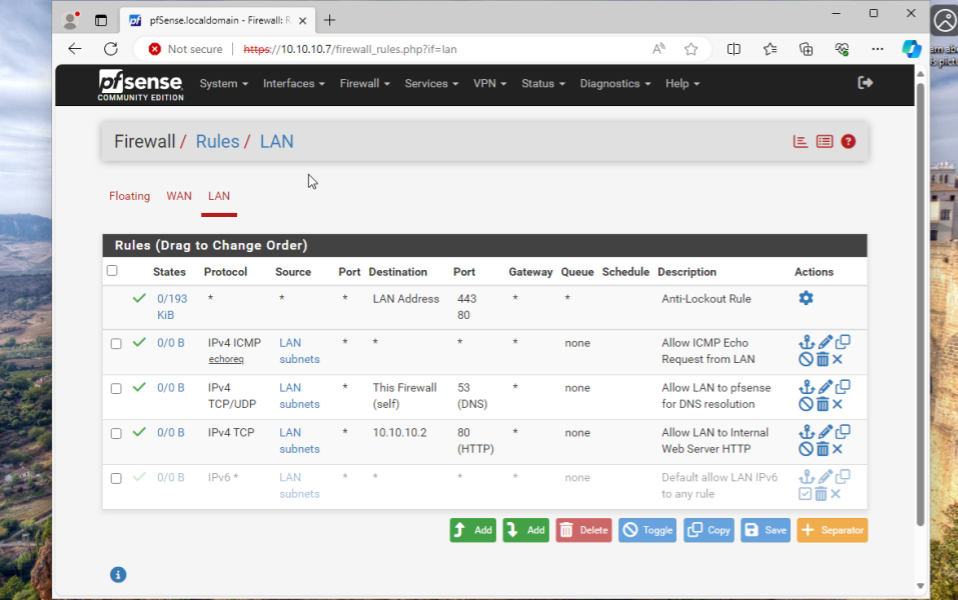
Testing & Validation
- Verified access to internal web server from client VM
- Confirmed service monitoring functionality with Uptime Kuma
- Validated firewall rules for internal traffic control
Challenges & Solutions
Networking Issues
Challenge: Initial VM networking not passing LAN traffic correctly
Solution: Reconfigured Proxmox bridge and VM settings to ensure proper connectivity
Service Monitoring Setup
Challenge: Needed to configure firewall rules to allow monitoring
Solution: Adjusted firewall settings and confirmed Uptime Kuma access
Outcome
This project provided me with valuable hands-on experience in virtualization and network design using Proxmox. I built an internal network with virtual services and demonstrated how to control traffic between clients and servers through a virtual firewall. The project also gave me practical experience deploying and monitoring services in a Linux environment.
Additionally, I strengthened my troubleshooting skills while working through network configuration and service access issues.