Project Overview
In this project, I set up a Windows Deployment infrastructure using Microsoft Deployment Toolkit (MDT) on a Windows Server 2022 virtual machine. The goal was to deploy Windows client VMs in a PXE-based deployment lab environment.
Environment
| Hypervisor | Proxmox VE |
| Deployment Server | Windows Server 2022 with MDT + WDS |
| Client Devices | Windows 11 VM (PXE boot) |
| Virtual Network | Internal bridge for PXE |
Phases
Phase 1: MDT and WDS Setup
- Installed Windows Server 2022 VM on Proxmox
- Enabled Windows Deployment Services and installed MDT
- Created a new Deployment Share
- Configured WDS to work with the MDT PXE boot image
Phase 2: OS Image and Driver Injection
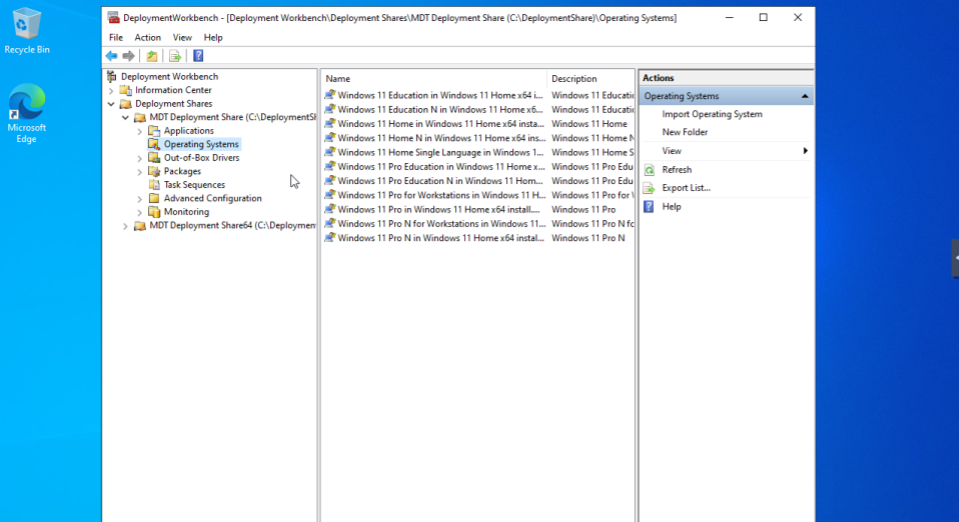
- Imported Windows 11 ISO into MDT
- Added operating systems and task sequences
- Injected VM drivers into WinPE image via MDT settings
- Updated Deployment Share to generate boot images
Phase 3: PXE Boot Testing and Validation
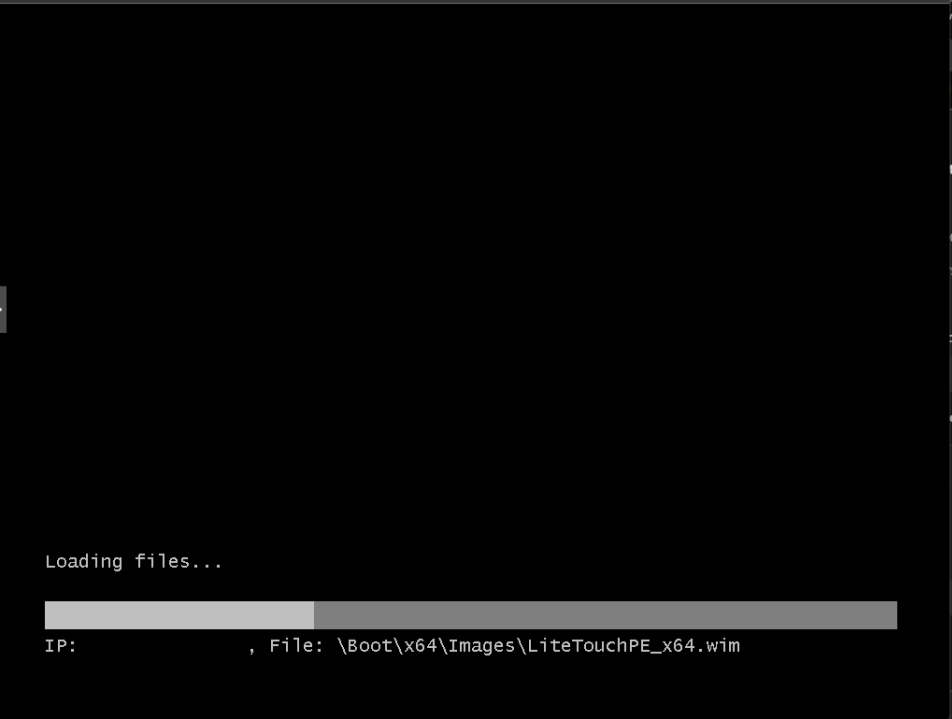
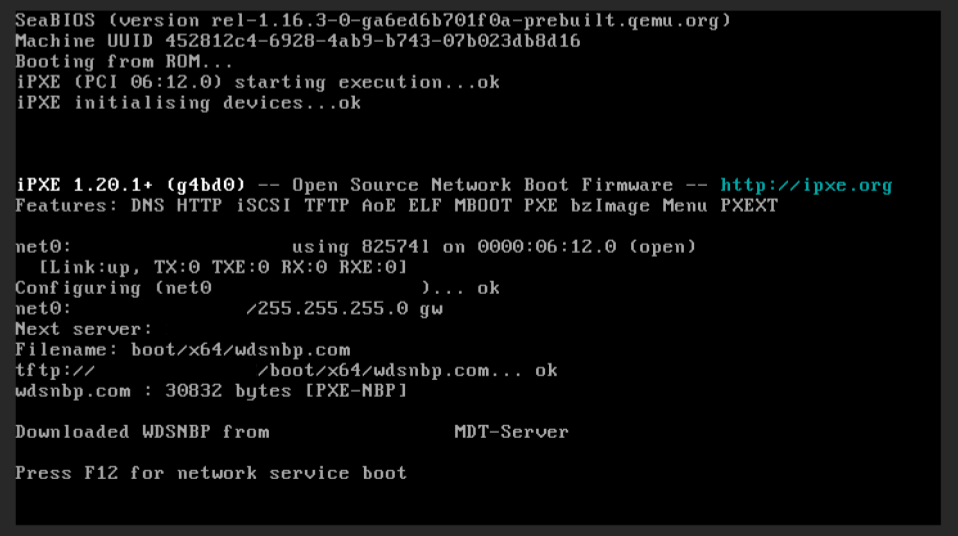
- Deployed a Windows 11 VM configured for PXE boot
- Verified PXE request was captured by WDS
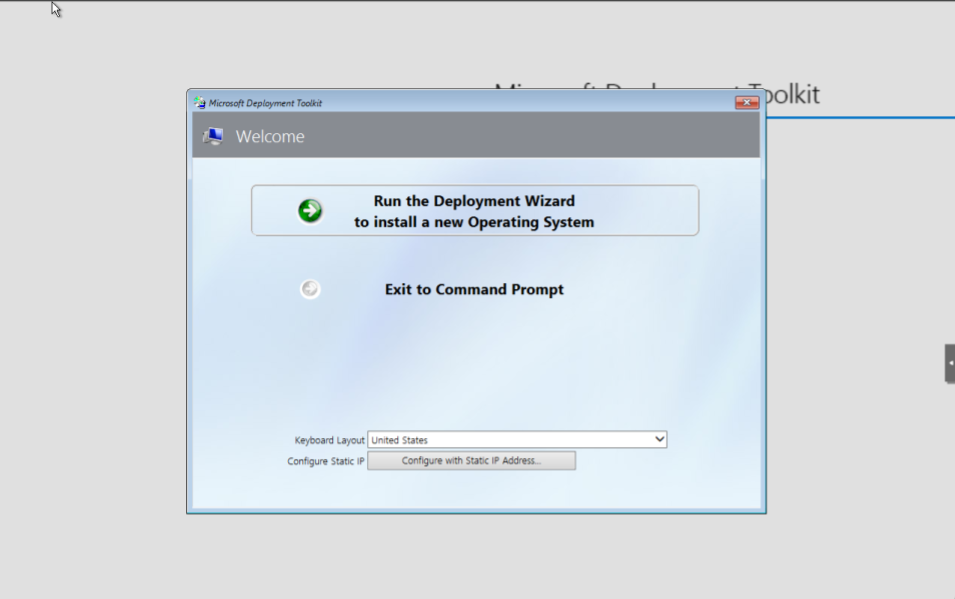
- Successfully loaded MDT Deployment Wizard
- Validated driver injection and partitioning options
Challenges & Solutions
Challenge: MDT WinPE tab was greyed out after install
Solution: Repaired the Deployment Workbench install and verified MDT integration
Challenge: PXE boot not detected by client
Solution: Corrected Proxmox bridge/network type and enabled legacy boot
Challenge: Incorrect drivers injected into WinPE
Solution: Removed unused drivers and added correct VirtIO network driver
Outcome
Successfully configured a PXE boot deployment setup using MDT and WDS. Demonstrated Windows deployment automation, network boot configuration, and WinPE customization. The project validated end-to-end functionality by deploying Windows client VMs through a simulated enterprise PXE environment.
Through this project, I gained practical experience in managing enterprise-style Windows deployments. I learned how to automate repetitive tasks and improved my troubleshooting skills when working with network-based installations.